
HR software for Hospitality
Shifts, attendance and pay for hotels and restaurants
- Selfie and GPS punches inside each property's geo-fence
- Shifts assigned by date with grace and half-day rules
- Overtime per attendance policy and canteen meal deductions
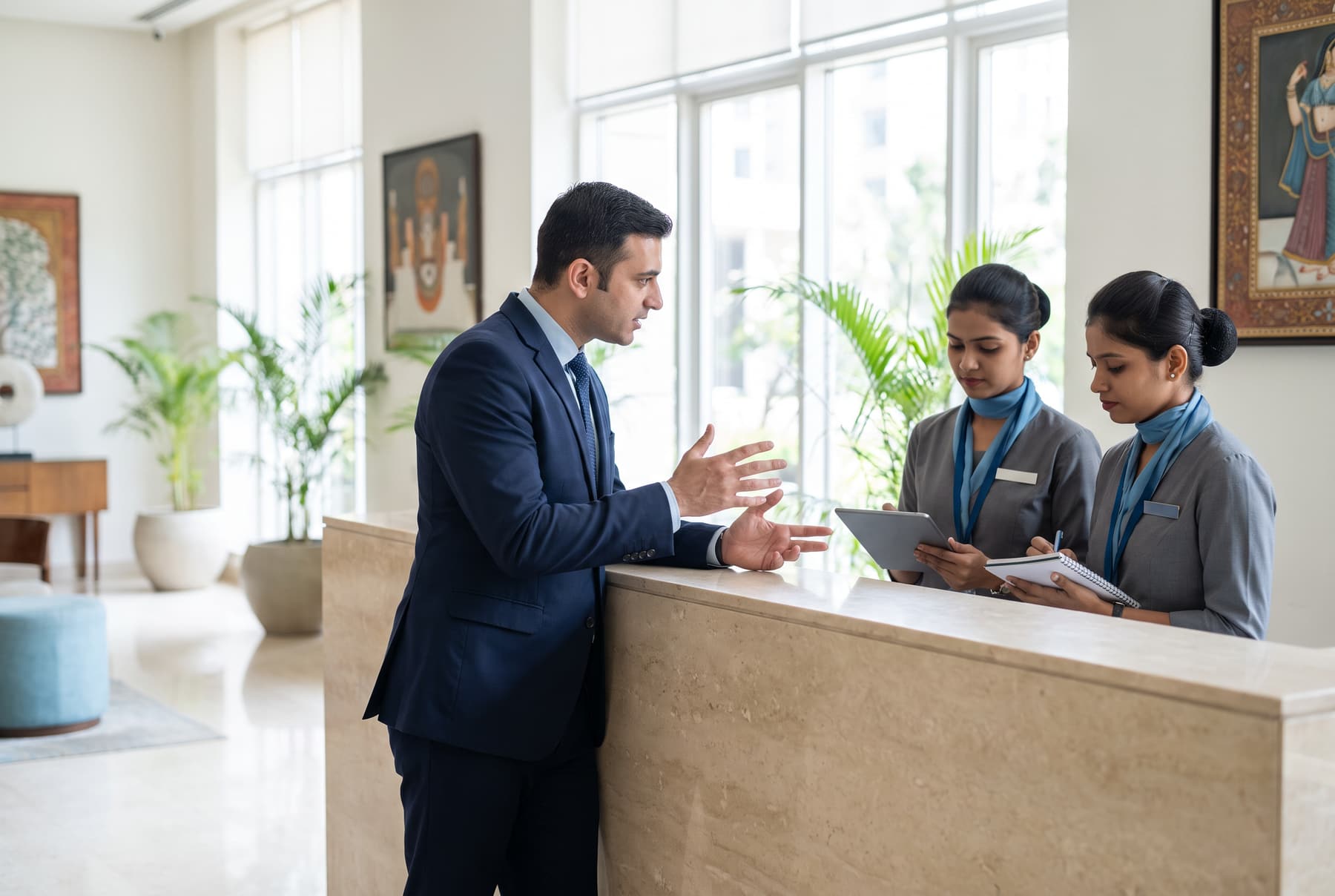 Weekend shifts assigned
What Hospitality HR teams struggle with
In hospitality, a Friday evening with two kitchen no-shows is a disaster. SleetHR shows who has punched in for each shift, assigns shifts by date, and closes payroll with overtime and statutory deductions for every property.
- 01
Last-Minute No-Shows
A Saturday evening without two waiters or a Sunday brunch without the sous chef is a service crisis. Discovering a no-show at shift start leaves no time to find a replacement.
- 02
Late Arrivals and Overtime
Kitchen and banquet staff often stay late or arrive after the shift starts. Working out overtime and late marks by hand each month leads to disputes.
- 03
High Turnover Onboarding
Hospitality has among the highest staff turnover rates in India. Onboarding 5 new joiners every week on paper forms, repeating PF enrollments, and issuing uniform deposits manually consumes a disproportionate amount of management time.
- 04
Multi-Property Coordination
Hotel chains managing restaurants, banquets, housekeeping, front desk, and spa across multiple properties need staff allocation visibility that WhatsApp groups simply cannot provide.
Built for Hospitality
Staff punch in with a selfie and GPS on the Sleet app. Set a radius in metres around each property; punches outside it are blocked.
Put the Sleet app on any Android phone at the staff entrance and switch it to face attendance mode. Staff punch in by looking at the camera, with no machine to buy.
Assign kitchen, floor, housekeeping and front desk shifts to staff by date. Grace minutes, half-day and absent rules, and the night-shift flag are set in the attendance policy.
Overtime follows the rules in each attendance policy and is paid in payroll. Canteen attendance is recorded and meal charges are deducted in payroll.
Give salary advances and loans with EMI recovery in payroll. A fine register records fines, and any balance at exit is recovered in the full and final settlement.
Run every property as a branch in one account. Staff transfers between properties go through approval, and payroll with PF, ESI, state PT and LWF runs together.
Live in 3 steps
The difference your team will feel.
- Duty managers see who has punched in for a shift, not just who was assigned.
- Overtime and late marks follow the attendance policy, so pay is not disputed.
- New joiners are imported in a batch with the import wizard, not one paper form at a time.
- Canteen meal deductions match the canteen attendance record.
- PF, ESI, PT and LWF are worked out in every payroll run.
- Multi-property owners finally have one view of all their staff across every venue.
Hospitality HR: FAQs
See Sleet set up for Hospitality.
A short demo built around your roles, shifts and locations.