
Face Attendance App
Face Attendance on Android Phones
Face attendance on any Android phone, with no machine to buy
- No machine · Any Android Phone
How it works
3 steps, start to finish.
 SleetHR
No machine
Any Android Phone
- Step 1
Set Up the Phone
Install the Sleet app on an Android phone, pair it to the branch and switch it to face attendance mode.
- Step 2
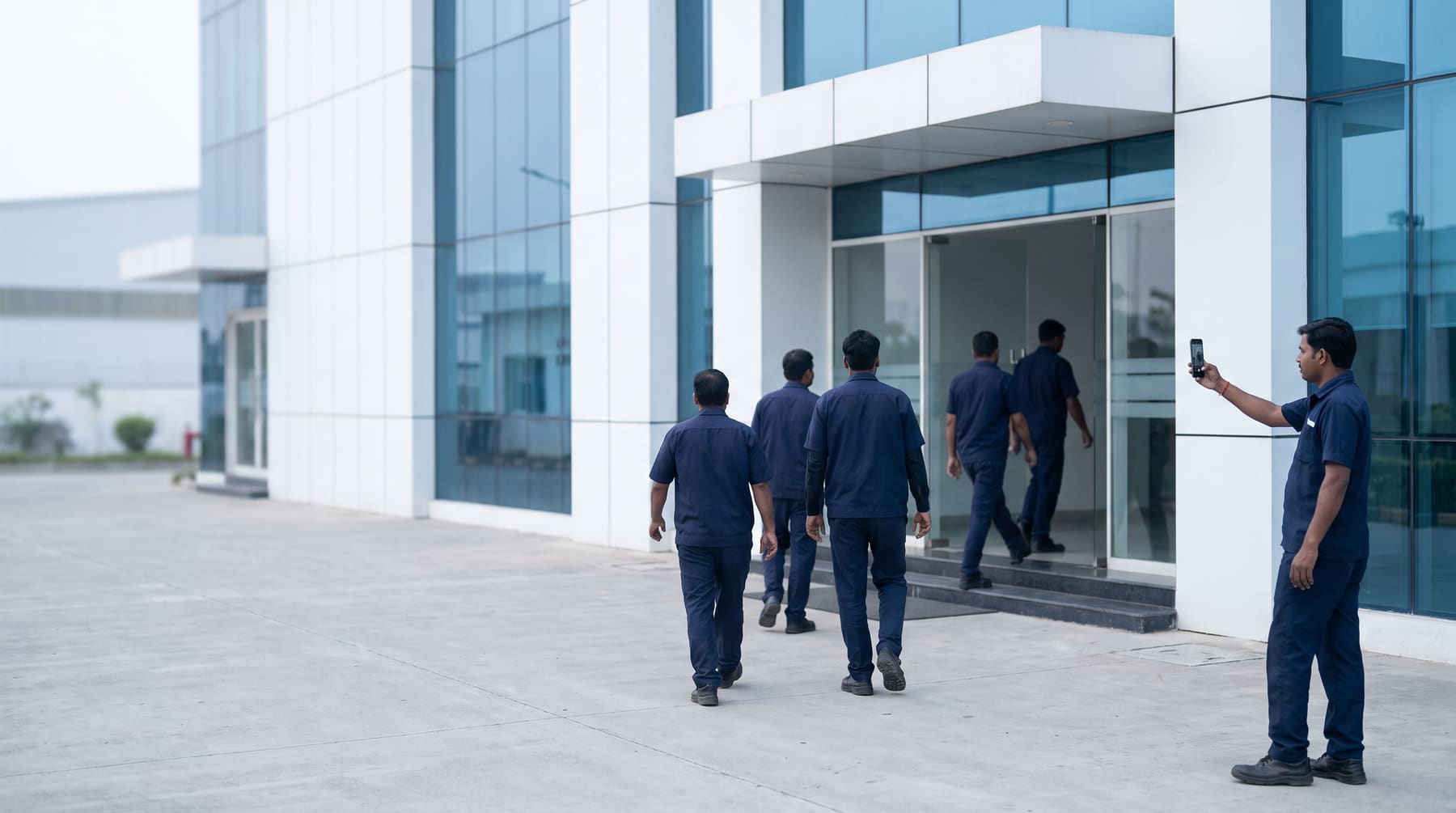
Punch by Face
Employees look at the camera to punch in and out. With no network, punches are saved and sync later.
- Step 3
Review and Pay
Punches go into attendance and payroll, and HR reviews any wrong-face attempts.
What it does
Inside Face Attendance on Android Phones
Turn any Android phone into a face attendance point at the gate, with no biometric machine to buy.
- Any Android phone: Install the Sleet app on an Android phone at the gate and switch it to face attendance mode.
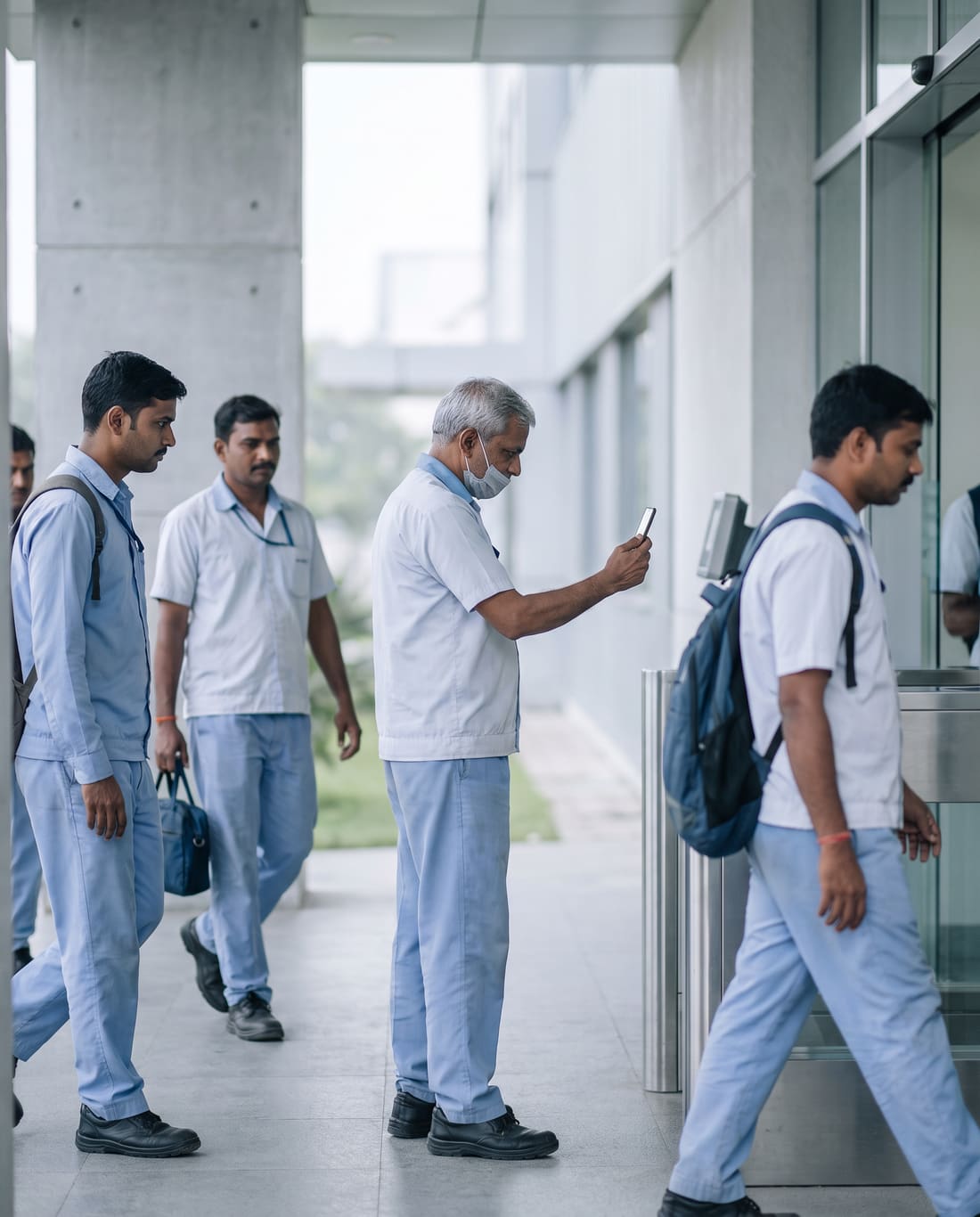
- Punch by face: Employees punch in and out by looking at the camera.
- Works offline: Punches are saved on the phone when there is no network and sync when it returns.
- Paired to a branch: Each phone is paired to a branch and picks up new employees automatically.
- Offline alerts: HR gets an alert if a face attendance phone goes offline.
- Wrong-face review: Attempts where the face does not match are kept for HR to review.
- Into attendance and payroll: Face punches go into the attendance register and the payroll run like any other punch.
What changes
What changes on day one.
What teams notice in the first weeks of Face Attendance on Android Phones on SleetHR.
- No biometric machine to buy, install or repair: any Android phone with the Sleet app does the job.
- Staff punch in by looking at the camera, with no card or PIN to remember.
- Punches keep coming in when the network drops, and sync when it returns.
- New employees are picked up by the phone automatically, so nobody adds them by hand.
- HR gets an alert when a phone at a gate goes offline, instead of finding gaps at month-end.
- Wrong-face attempts are kept, so HR can review them.
Good to know
Plans, your data and moving across.
Plans and pricing
Priced per user per year, billed yearly, with no setup fee.
Compare plansYour data stays yours
Data is encrypted in transit and at rest on secure cloud infrastructure. You keep ownership. Admins can export or delete company data.
Moving from spreadsheets?
Employee profiles, salary structures and leave balances come across, and we compare a payroll run against your current numbers before you switch.
Book a migration call
Questions
Face Attendance on Android Phones, answered.
Something else? Message us on WhatsApp at +91 82001 72869 or write to sales@getsleet.cloud.
What hardware does face attendance need?
Any Android phone with the Sleet app. Put it at the gate, switch it to face attendance mode, and employees punch in by looking at the camera.
We already have an attendance machine. Can we use its data?
Yes. If it is on Wi-Fi or your network and has an API, we connect it to SleetHR so punches come in by themselves. Tell us the make and model and we will confirm it first. For an older machine without an API, import the punch files it exports (Excel/CSV).
What happens if the internet goes down?
The phone keeps taking punches offline and syncs them when the network returns.
How do new employees reach each phone?
Automatically. Each phone is paired to a branch and picks up new employees automatically.
How do we know a phone has stopped working?
HR gets an alert if a face attendance phone goes offline.
What if someone tries to punch with the wrong face?
Wrong-face attempts are kept for HR to review.
Can staff also punch from their own phones?
Yes. Staff with the Sleet app on their own phone can punch in with a selfie and GPS inside the branch geo-fence.
SleetHR
More in HRMS
Face Attendance on Android Phones is one part of SleetHR. Open any module to see what it does.
See Face Attendance on Android Phones on your own data.
A free demo over Google Meet, with your questions answered on the call.