
HSN and SAC Codes: Why They Matter on Every GST Invoice
HSN codes classify goods and SAC codes classify services, and each maps to a GST rate, so a wrong code can mean a wrong rate. Businesses above set turnover thresholds must show HSN at 4, 6 or 8 digits. Store the correct code once on each product or service record so that every invoice pulls the same one.

HSN codes classify goods and SAC codes classify services. Each product or service maps to a code, and the code decides the GST rate. Getting it wrong is a tax error, not just a paperwork slip.
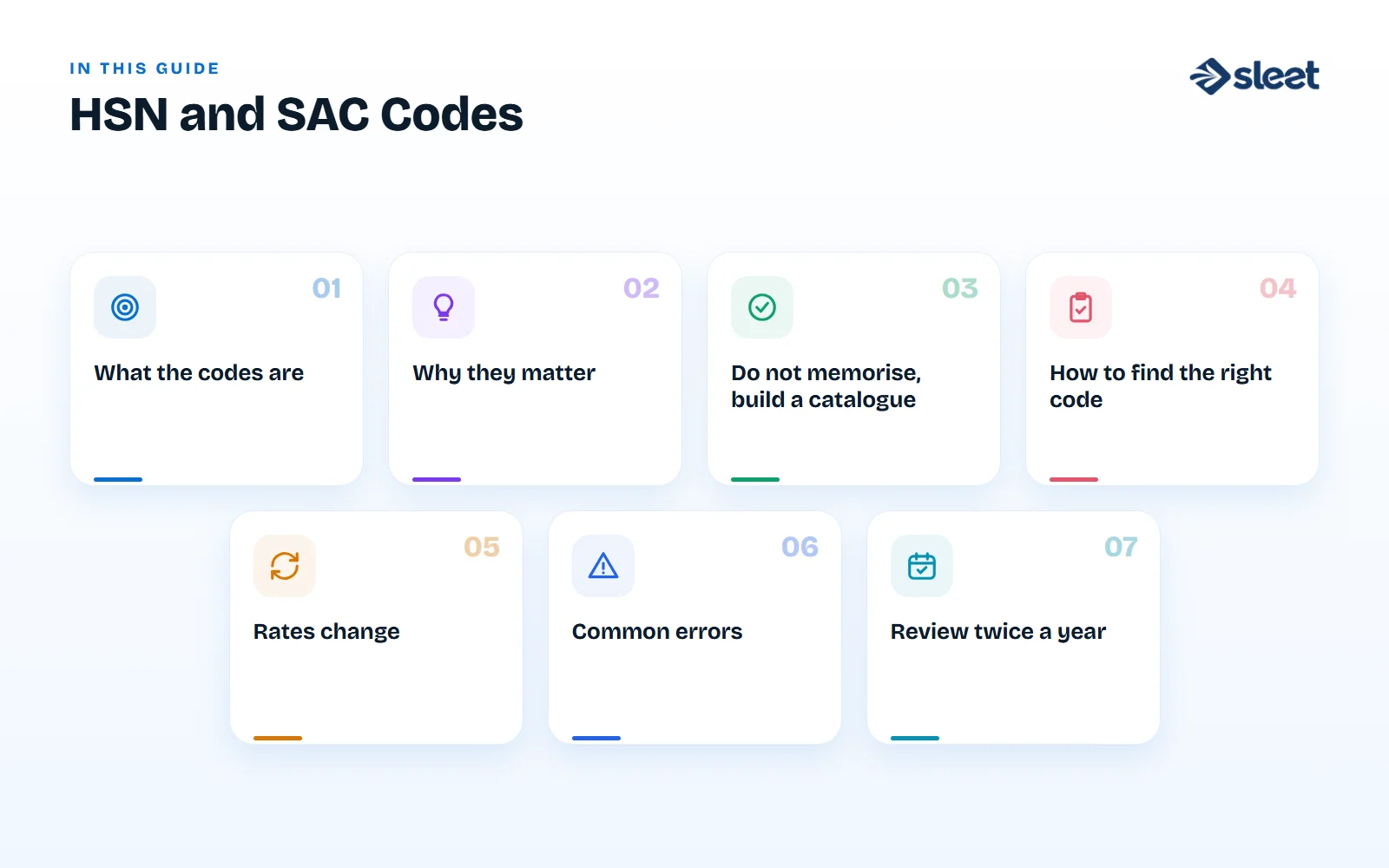
What the codes are
- ✓HSN stands for Harmonised System of Nomenclature, an international system for naming goods.
- ✓SAC stands for Services Accounting Code, used for services.
Both appear on every GST invoice, in a column next to the item.
Why they matter
| Reason | What happens |
|---|---|
| Rate | The code links the item to its GST rate. A wrong code can mean the wrong rate |
| Disclosure | Up to ₹5 crore of turnover: 4 digits on B2B invoices, optional on B2C. Above ₹5 crore: 6 digits on B2B and 4 on B2C |
| Returns | HSN summaries are reported in your GST return |
| Scrutiny | Inconsistent codes for the same product across invoices can draw attention from the tax department |
The rules on digits have changed over time, so check the current notification before you rely on these limits.
Do not memorise, build a catalogue
The safest approach is a single master list of your products and services, with the correct code and rate attached once. Every invoice then pulls the same code. That removes the biggest source of error, which is typing a code by hand on each line.

How to find the right code
- Check the description of the item in the official tariff schedule.
- Look at the rate notifications to confirm how the item is treated.
- If an item sits between two codes, read the notes in the schedule, or ask your accountant.
- For services, use the SAC list and check the description.
- Record how you decided, for items you are unsure about.
Rates change
GST rates and the treatment of some items have been revised several times, so check the current schedule rather than relying on old notes. A good billing system lets you update a rate once and apply it to every future invoice.
Common errors
- ✓Using one code for a whole group of different products
- ✓Using an old code after a rate change
- ✓Typing codes by hand and making transposition mistakes
- ✓Using a service code for goods or the other way round
Review twice a year
Export your product list with codes and rates, and have your accountant check it. A short review costs less than correcting hundreds of invoices.

Written by
Founder, Airwix Technologies (Sleet)
Vatsal Sutariya is the founder of Airwix Technologies in Ahmedabad, the company that builds Sleet: SleetHR for HR and payroll, and Sleet Accounting for GST billing and books. He writes about GST, invoicing, business tax and choosing software for Indian businesses, and checks each rule against the official notification before it is published.
LinkedIn profile →