
HRMS vs Spreadsheets: Where Manual Tracking Breaks
Spreadsheets are fine for about ten people. By 30 to 40 employees three things break first: biometric attendance copied across by hand, tax regime declarations nobody tracks, and leave balances that two people calculate differently. An HRMS fixes this by letting attendance, leave and payroll read from the same live data.

Spreadsheets work for ten people. Around 30 to 40 employees they start to fail, and they usually fail in the same three places: attendance from biometric devices, tax declarations and leave balances.
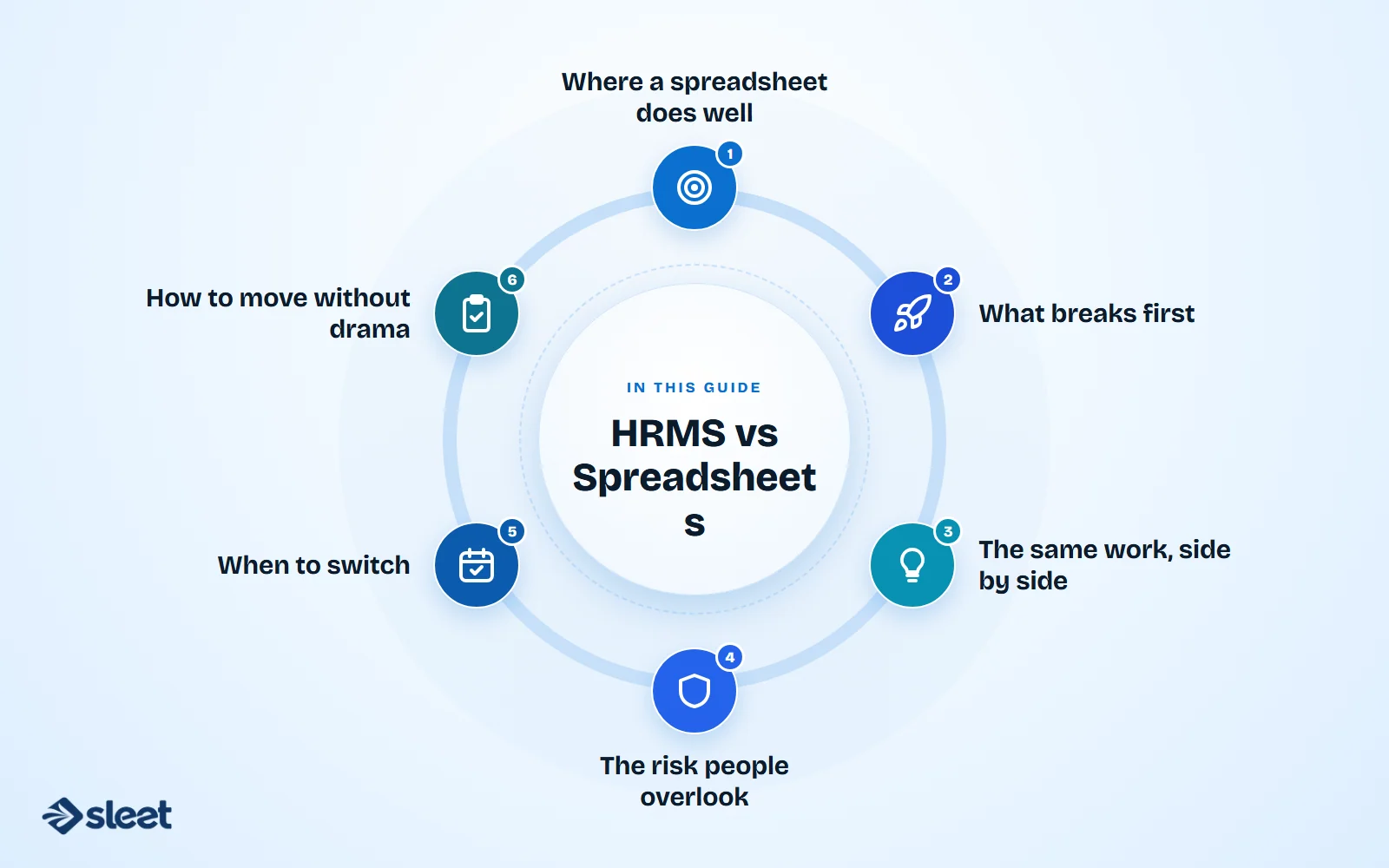
Where a spreadsheet does well
It is free, everyone knows it and you can change it in a minute. For a small team with a single location and simple pay, that is enough.
What breaks first
Attendance. Punch data from a biometric device has to be exported, cleaned and pasted into the payroll sheet. Missed punches, late corrections and new joiners all create manual work, and one wrong paste changes someone's pay.
Tax declarations. Employees choose a regime, declare investments and submit proofs, and the TDS has to follow. In a spreadsheet, that is one more tab per employee that somebody must remember to update before each payroll.
Leave balances. HR, the manager and the employee keep three numbers, and they drift apart. The argument is always the same: whose number is right?
The same work, side by side
| Task | In spreadsheets | In an HRMS |
|---|---|---|
| Attendance to payroll | Export, clean, paste | Flows straight into the pay run |
| Leave balance | Updated by hand | One live balance everyone sees |
| PF, ESI and PT rates | Someone must update formulas | Maintained and updated by the vendor |
| Payslips | Built and sent one by one | Generated and delivered together |
| Access to salary data | Whoever has the file | Role-based, with a log of changes |
| Audit trail | Often none | Who changed what, and when |

The risk people overlook
A payroll sheet is also a file with everyone's salary in it. It gets emailed, copied and renamed. An HRMS controls who can see what.
When to switch
Move when payroll takes days of cross-checking, when the same errors keep returning, or when you add a second location or state. Do it before an audit forces the issue.
How to move without drama
- ✓Clean your employee and leave data first.
- ✓Run one payroll in the old and new system side by side and compare every line.
- ✓Keep the old file, read-only, until a full filing cycle has passed.

Written by
Founder, Airwix Technologies (Sleet)
Vatsal Sutariya is the founder of Airwix Technologies in Ahmedabad, the company that builds Sleet: SleetHR for HR and payroll, and Sleet Accounting for GST billing and books. He writes about GST, invoicing, business tax and choosing software for Indian businesses, and checks each rule against the official notification before it is published.
LinkedIn profile →