
HRMS vs HRIS vs HCM: What's the Difference?
An HRIS stores employee data. An HRMS adds operational modules such as payroll, attendance and leave. HCM is the broadest, adding talent acquisition, succession planning and workforce analytics. Most small and mid-sized companies need an HRMS that runs payroll and attendance reliably, and only need HCM features once they have dedicated HR business partners.

HRIS, HRMS and HCM are three overlapping kinds of HR software, and vendors use the terms loosely. The differences are about scope: an HRIS stores employee data, an HRMS adds the day-to-day operations, and HCM adds talent and strategy on top.
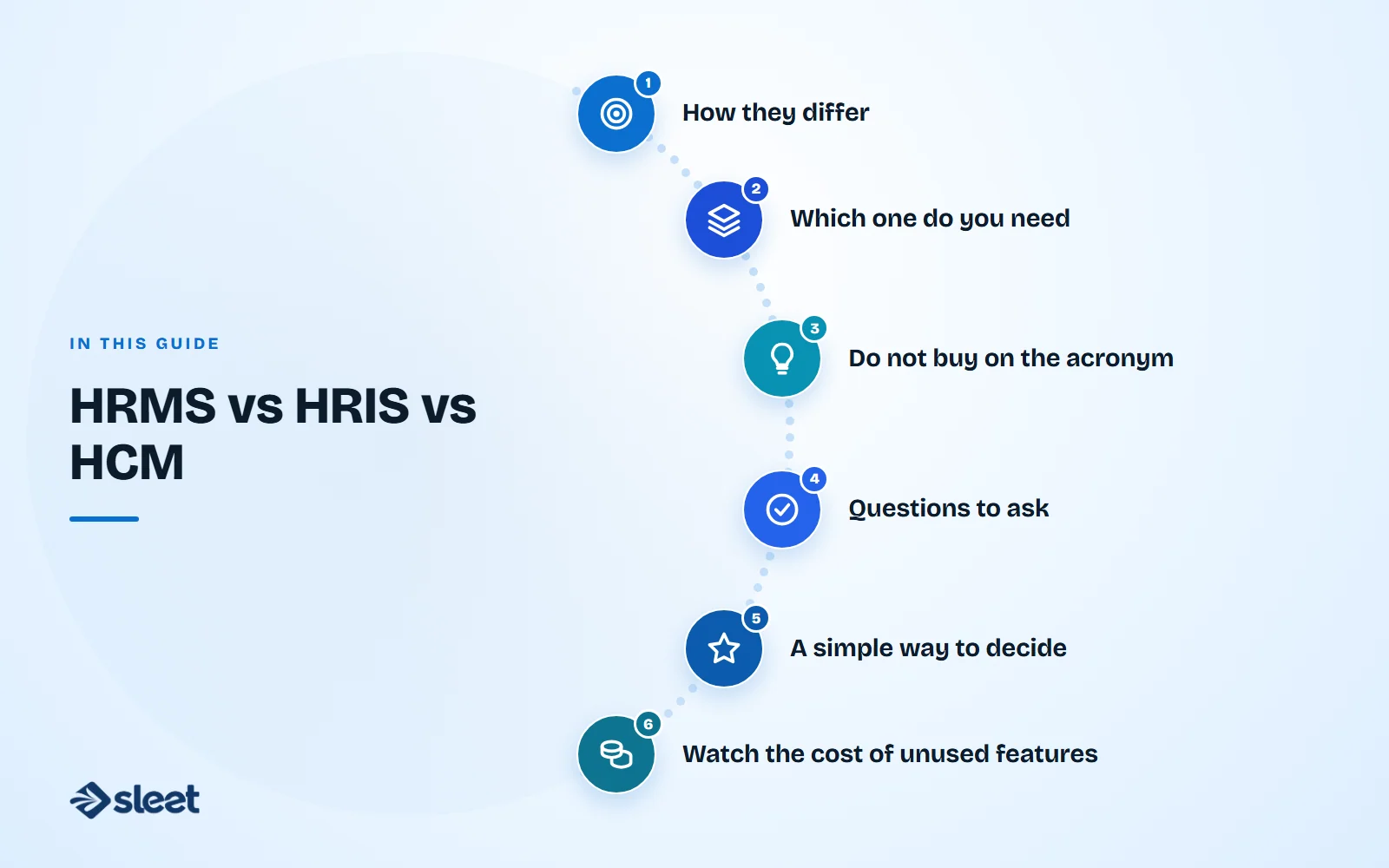
How they differ
| HRIS | HRMS | HCM | |
|---|---|---|---|
| Stands for | Human Resource Information System | Human Resource Management System | Human Capital Management |
| Core job | Store and manage employee data | Run HR operations | Manage talent as well as operations |
| Typical modules | Records, documents, org chart | HRIS plus attendance, leave and payroll | HRMS plus recruiting, performance, learning, succession and analytics |
| Best for | Small teams that mainly need records | Most growing companies | Large organisations with HR specialists |

Which one do you need
For a company with up to a few thousand employees, an HRMS that combines core HR, attendance, leave and statutory payroll usually covers most of what you do each month. HCM features such as succession planning and advanced talent analytics start to pay off when you have HR business partners who will act on the data.
Do not buy on the acronym
Vendors label products to suit their marketing. A product called HCM may have weak payroll, and one called HRIS may include attendance. Look at the module list and ask for a demo of the tasks you do each month.

Questions to ask
- ✓Does it run payroll for your states, with statutory filings?
- ✓Does attendance feed directly into pay?
- ✓Can employees use it on a phone?
- ✓Which modules cost extra?
- ✓Can you start small and add modules later?
A simple way to decide
- List the five HR tasks that take the most time today.
- Mark which of them the software must handle on day one.
- Treat everything else as a later phase.
If your list is mostly payroll, attendance and leave, you need an HRMS.
Watch the cost of unused features
Paying for a large suite you use a tenth of is a common mistake. A simpler system that your team actually uses will do more for you than a powerful one that sits half-configured.

Written by
Founder, Airwix Technologies (Sleet)
Vatsal Sutariya is the founder of Airwix Technologies in Ahmedabad, the company that builds Sleet: SleetHR for HR and payroll, and Sleet Accounting for GST billing and books. He writes about GST, invoicing, business tax and choosing software for Indian businesses, and checks each rule against the official notification before it is published.
LinkedIn profile →