
Biometric vs Mobile GPS Attendance: Which Is Right for You?
Use biometric terminals for fixed sites such as an office, factory or warehouse, and GPS geofencing for field, delivery and multi-site staff. Face-recognition apps with liveness checks need no hardware. If more than a fifth of your people work away from a fixed location, GPS attendance will usually give more accurate records, and many firms run both.
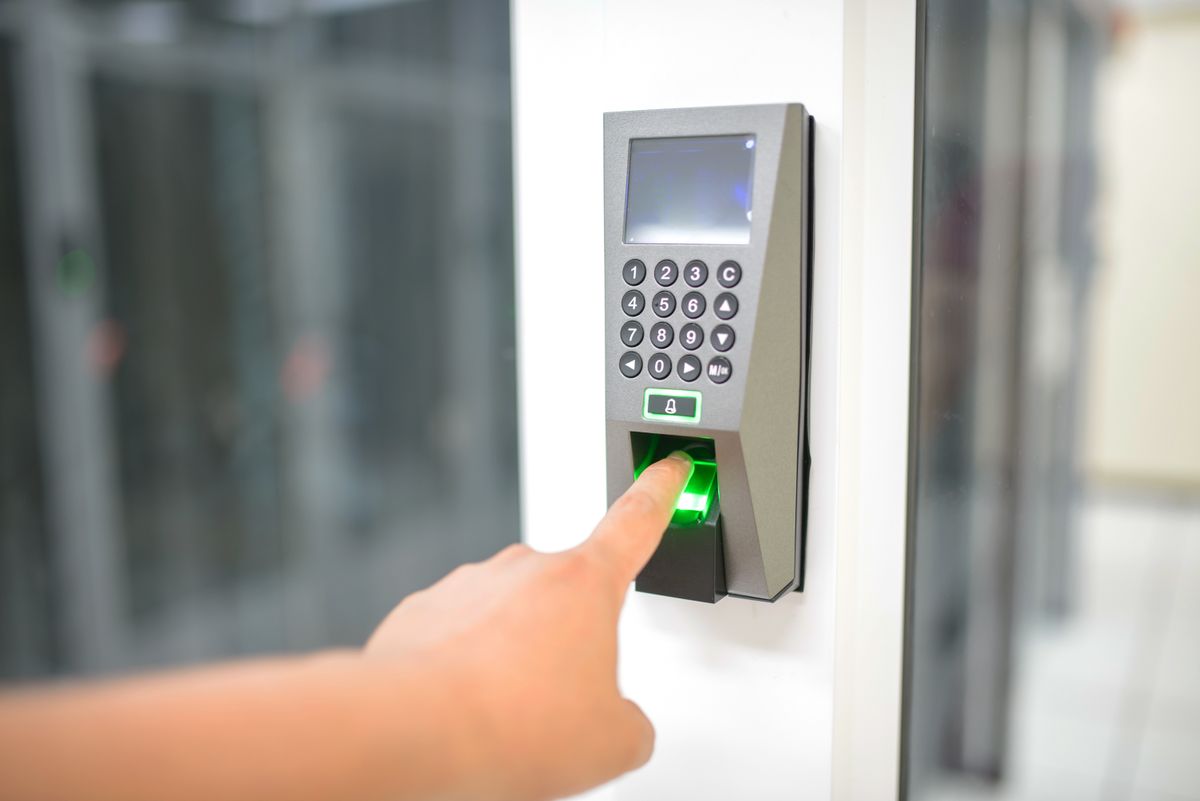
Biometric terminals and mobile GPS attendance both check that an employee is really present, but they suit different kinds of work. Choose by where your people work, not by what looks more advanced.
Which one fits
| Method | Best for | Watch out for |
|---|---|---|
| Biometric terminal | A fixed office, factory or warehouse where people clock in at the same place | Hardware cost, network or power gaps, queues at shift change |
| Mobile app with GPS geofencing | Field sales, delivery and multi-site teams | Phone quality, signal and fake-location apps |
| Face recognition app | Teams that want no hardware | Needs a liveness check so a photo cannot be used |
| A mix of these | Companies with office staff and field staff | Keeping all the data in one system |

A simple rule
If more than a fifth of your people regularly work away from a fixed location, GPS attendance will usually give more accurate records than trying to bring them back to a terminal. If almost everyone works at one site, a biometric device is simple and reliable.
What to check before choosing
- ✓Accuracy in your conditions. Dusty hands and gloves affect fingerprints. Faces work with masks or helmets only sometimes.
- ✓Offline use. Can an employee punch when the network is down, and does it sync later?
- ✓Spoofing. How does the system detect fake GPS or a photo of a face?
- ✓Integration. Does punch data flow into payroll without export and import steps?
- ✓Privacy. Biometric data is sensitive. Get consent, store it securely and follow the data protection law.
Why it matters
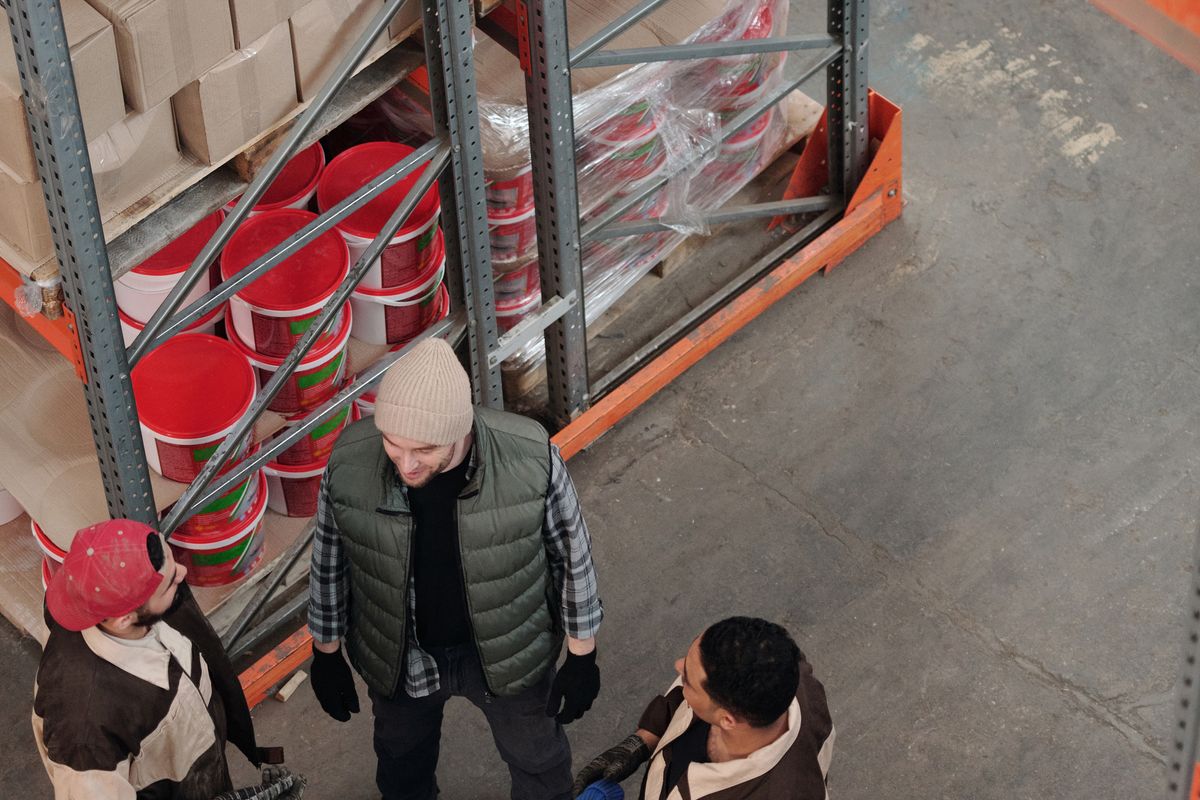
The wrong method does more than create bad data. It creates disputes, because employees will contest a system that marks them absent when they know they worked.
Set it up well
- Map where each group works and when.
- Pick the method for each group.
- Define the shift rules, grace periods and what counts as late.
- Pilot with one team for a month.
- Review the exceptions, then roll out.
Keep a manual route
Devices fail and phones die. Give people a quick way to flag a missed punch, and give managers a simple way to approve it.

Written by
Founder, Airwix Technologies (Sleet)
Vatsal Sutariya is the founder of Airwix Technologies in Ahmedabad, the company that builds Sleet: SleetHR for HR and payroll, and Sleet Accounting for GST billing and books. He writes about GST, invoicing, business tax and choosing software for Indian businesses, and checks each rule against the official notification before it is published.
LinkedIn profile →