
Quote-to-Invoice: Closing the Gap Between Sales and Finance
Deals go wrong between close and invoice: details get re-typed, invoices go out days late and discounts agreed verbally never reach the bill. Convert an approved quote straight into a GST invoice with the same line items, prices and terms, so that what was sold is exactly what is billed and there is no re-entry step.

A deal closing in the CRM and an invoice being raised in the accounts are often treated as two events handled by two teams. The gap between them is where delays, pricing errors and disputed invoices come from.
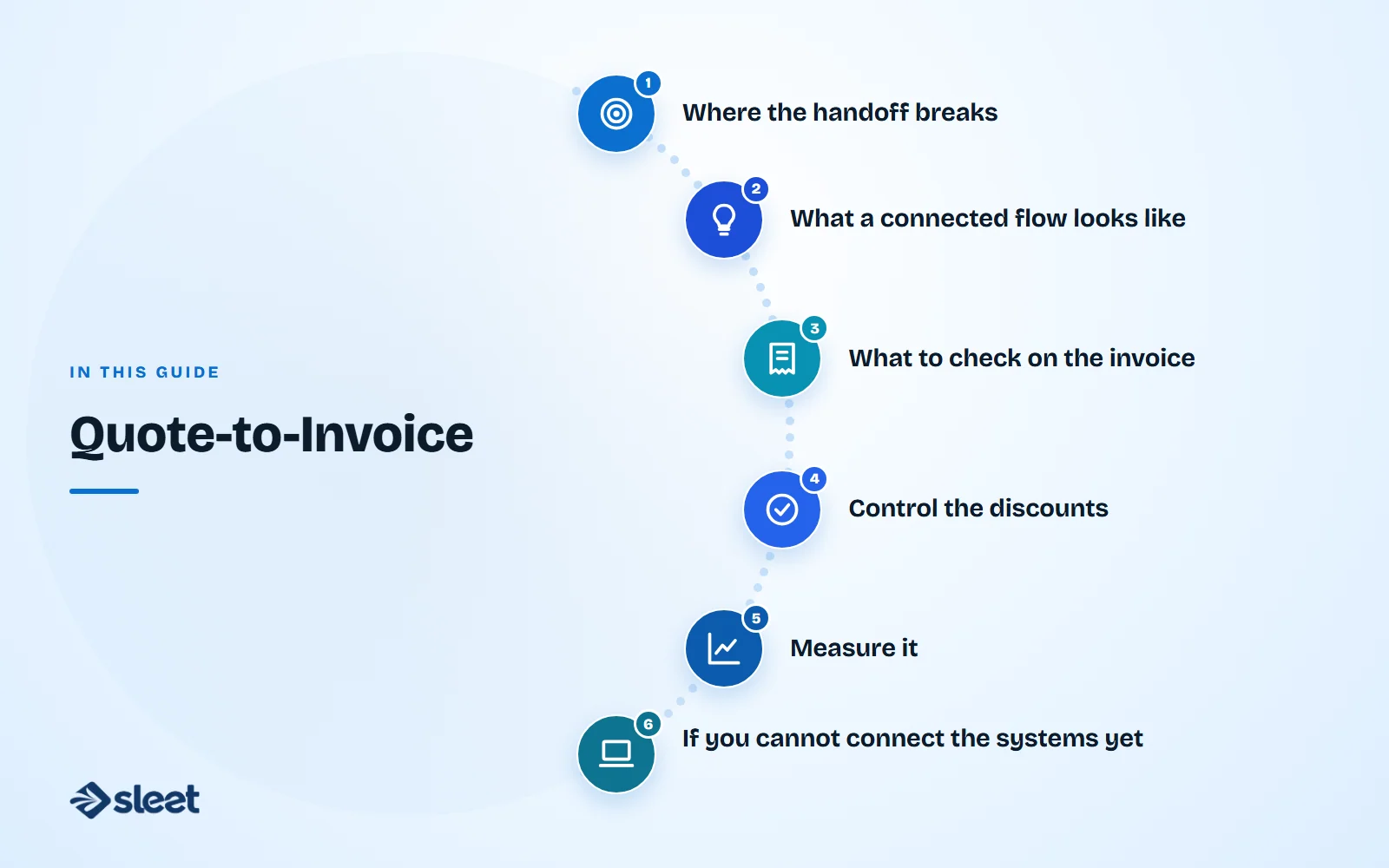
Where the handoff breaks
- ✓Retyping. Sales closes a deal at an agreed price and terms. Finance enters the same details again in the billing system, and a typo creeps into a quantity, price or GST treatment.
- ✓Delay. If invoicing depends on someone remembering to tell finance, invoices go out days late. Cash arrives later, and the customer's own budget cycle may be missed.
- ✓Lost terms. A discount or special term agreed in conversation never reaches the invoice, and the dispute starts when payment is due.
Every manual step between "deal closed" and "invoice sent" is a place where the two records can drift apart. The customer is usually the first to notice.

What a connected flow looks like
| Step | What happens | Who |
|---|---|---|
| 1. Quote | Sales prepares a quote with line items, prices, taxes and terms | Sales |
| 2. Approval | A manager approves discounts above a set limit | Sales manager |
| 3. Acceptance | The customer accepts, and the quote is marked won | Sales |
| 4. Invoice | The quote converts into a GST invoice with the same lines | Finance, or automatic |
| 5. Dispatch | An e-way bill is generated if goods move | Operations |
| 6. Collection | Payment reminders and receipts update the same record | Finance |
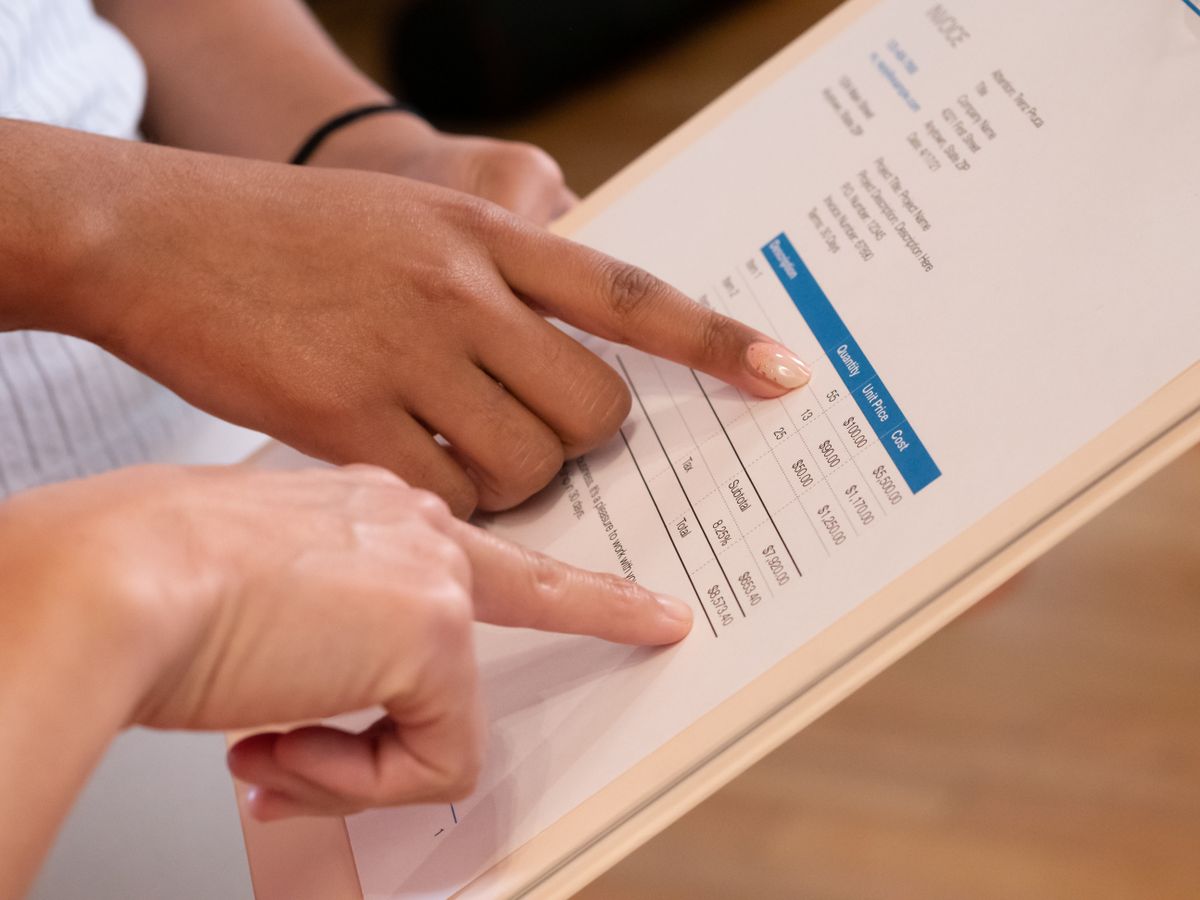
What to check on the invoice
- ✓Customer name, GSTIN and place of supply
- ✓HSN or SAC, quantity and rate for every line
- ✓The tax split between CGST and SGST or IGST
- ✓Payment terms and due date
- ✓A reference to the quote or order number
Control the discounts
Set a limit on discounts that sales can give without approval, and make sure the approved price is the one that reaches the invoice.
Measure it
Track the days from deal closed to invoice sent, and the number of invoices corrected after sending. Both should fall when the link is in place.
If you cannot connect the systems yet
Use a standard quote template, ask sales to send the signed quote to finance the same day, and have finance check the invoice against it before sending. It is slower than automation, but it closes most of the gap.

Written by
Founder, Airwix Technologies (Sleet)
Vatsal Sutariya is the founder of Airwix Technologies in Ahmedabad, the company that builds Sleet: SleetHR for HR and payroll, and Sleet Accounting for GST billing and books. He writes about GST, invoicing, business tax and choosing software for Indian businesses, and checks each rule against the official notification before it is published.
LinkedIn profile →