
Moving From Tally to Cloud Accounting Mid-Year: A Migration Checklist
Move on the first day of a month after filing the previous month's GST returns. Carry over masters, the trial balance, open invoices, orders and fixed assets, set up e-invoicing and e-way bills, keep invoice numbers unique within the year, and run both systems for one month before switching.

Many businesses outgrow desktop accounting when they add branches, need remote access, or want billing, inventory and books in one place. The worry is always the same: "We are in the middle of the year." A mid-year move is fine if you pick the right date and carry over the right data.
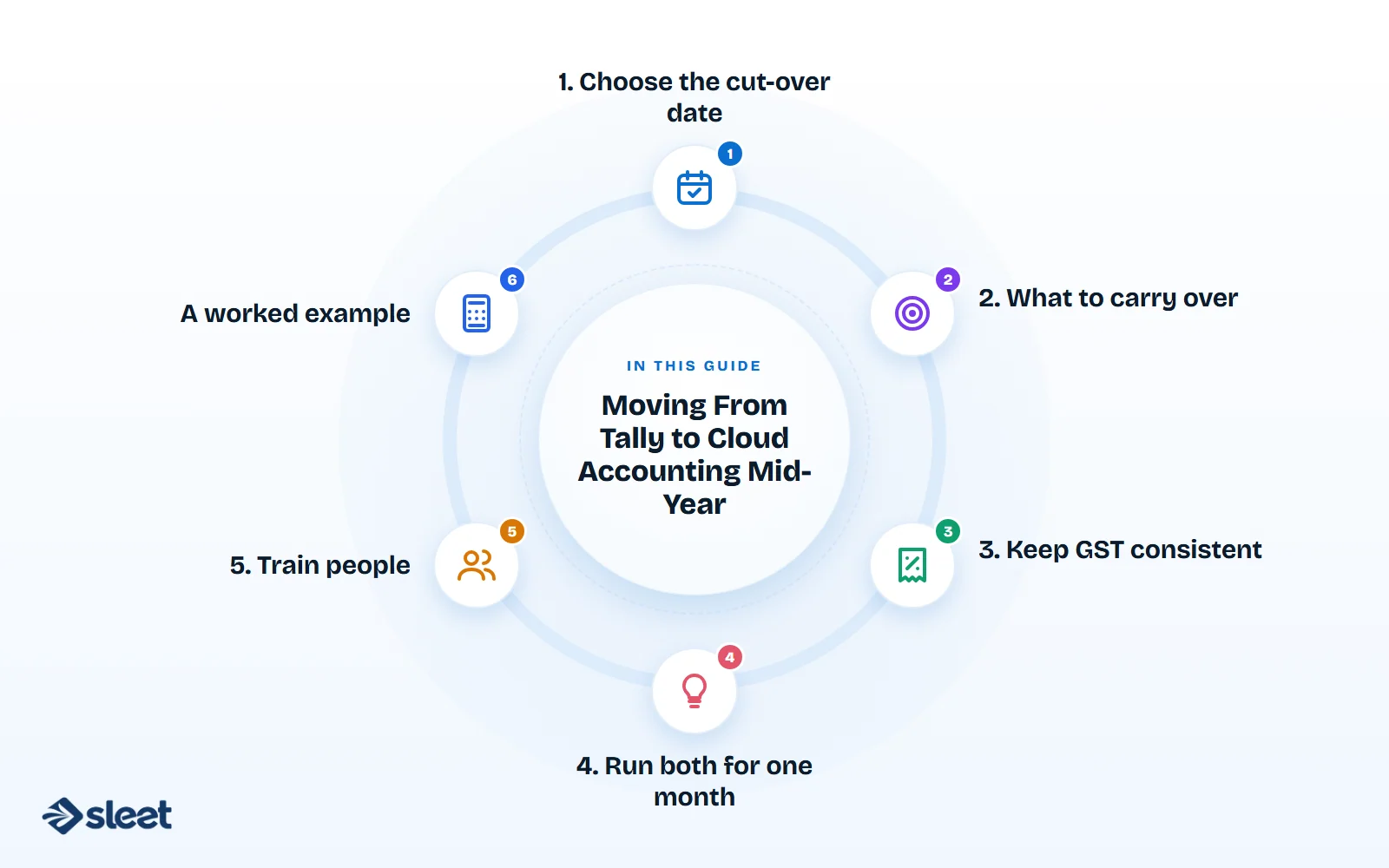
1. Choose the cut-over date
The best date is the first day of a month, after the previous month's GST returns are filed. The start of a quarter (1 October, 1 January) is even better. Avoid the last month of the financial year.
2. What to carry over
| Data | How |
|---|---|
| Chart of accounts | Map old ledgers to the new structure; tidy up duplicates |
| Customer and supplier masters | GSTIN, state, address, credit terms, bank details |
| Item master | Name, HSN, rate, unit, opening stock and value |
| Opening balances | Trial balance as at the cut-over date |
| Open invoices | Each unpaid sales invoice and purchase bill, so receivables and payables age correctly |
| Open orders | Sales and purchase orders not yet fulfilled |
| Fixed assets | Register with cost, depreciation to date |
Keep the full history in the old software, read-only, for audits and reference. You do not need to move every past voucher.
3. Keep GST consistent
- ✓Invoice numbering: continue the same series or start a new series from the cut-over date. A new series must still be unique within the financial year.
- ✓E-invoicing and e-way bills: set up the new system's connection to the IRP and e-way bill portal before cut-over.
- ✓Returns: file the months before cut-over from the old system. The new system prepares returns from the cut-over month.
4. Run both for one month
For the first month, enter sales and purchases in both systems, or at least reconcile totals daily. At month end, compare:
- ✓sales and GST totals;
- ✓receivables and payables;
- ✓bank balances;
- ✓stock.
When they agree, stop using the old system for new entries.
5. Train people
Billing staff, accountants and approvers each need a short session on what changes for them, plus a one-page guide.
A worked example
A Bhavnagar plastics manufacturer moved to cloud accounting on 1 October 2026. It filed September's returns from its old software, imported masters and the 30 September trial balance, loaded 340 open invoices, connected the new system to the IRP, ran both in parallel for October, and switched fully on 1 November.
Frequently asked questions
Will my CA be able to access it?
Yes. Give them a user login with the right permissions, instead of sending data files.
Is it legal to keep books in the cloud?
Yes, provided the books are accessible in India and backed up as the law requires.
What about payroll?
If your HRMS posts payroll entries to accounting, set up that connection at the same cut-over date.
Sources
- ✓Chart of accounts: setting up your books correctly, Sleet
- ✓How to choose billing software for a growing business, Sleet
This is a practical guide, not professional advice.

Written by
Founder, Airwix Technologies (Sleet)
Vatsal Sutariya is the founder of Airwix Technologies in Ahmedabad, the company that builds Sleet: SleetHR for HR and payroll, and Sleet Accounting for GST billing and books. He writes about GST, invoicing, business tax and choosing software for Indian businesses, and checks each rule against the official notification before it is published.
LinkedIn profile →