
Labels & Barcodes
Barcode Printing
Print barcodes and price labels for every item without a separate label tool
- Item to Label · In a Few Clicks
How it works
3 steps, start to finish.
 Sleet ERP
Item to Label
In a Few Clicks
- Step 1
Pick Items
Select items from the item master or from a purchase entry, with the quantity to print.
- Step 2
Design Label
Choose the label size and the details to show, such as price, batch, and expiry.
- Step 3
Print & Scan
Print the labels and use the same codes for billing and stock counts.
What it does
Inside Barcode Printing
Generate and print product barcodes and labels straight from your item master.
- Barcode generation from the item master: Create a barcode for any item or variant from its SKU or code.
- Label designer: Choose which details appear on the label, such as name, price, MRP, and batch.
- Print from purchases: Print labels for the quantity received directly from a purchase entry or goods receipt.
- Sheet and roll layouts: Print to A4 label sheets or to roll-based barcode printers.
- Batch and expiry on labels: Include batch number and expiry date for items that need them.
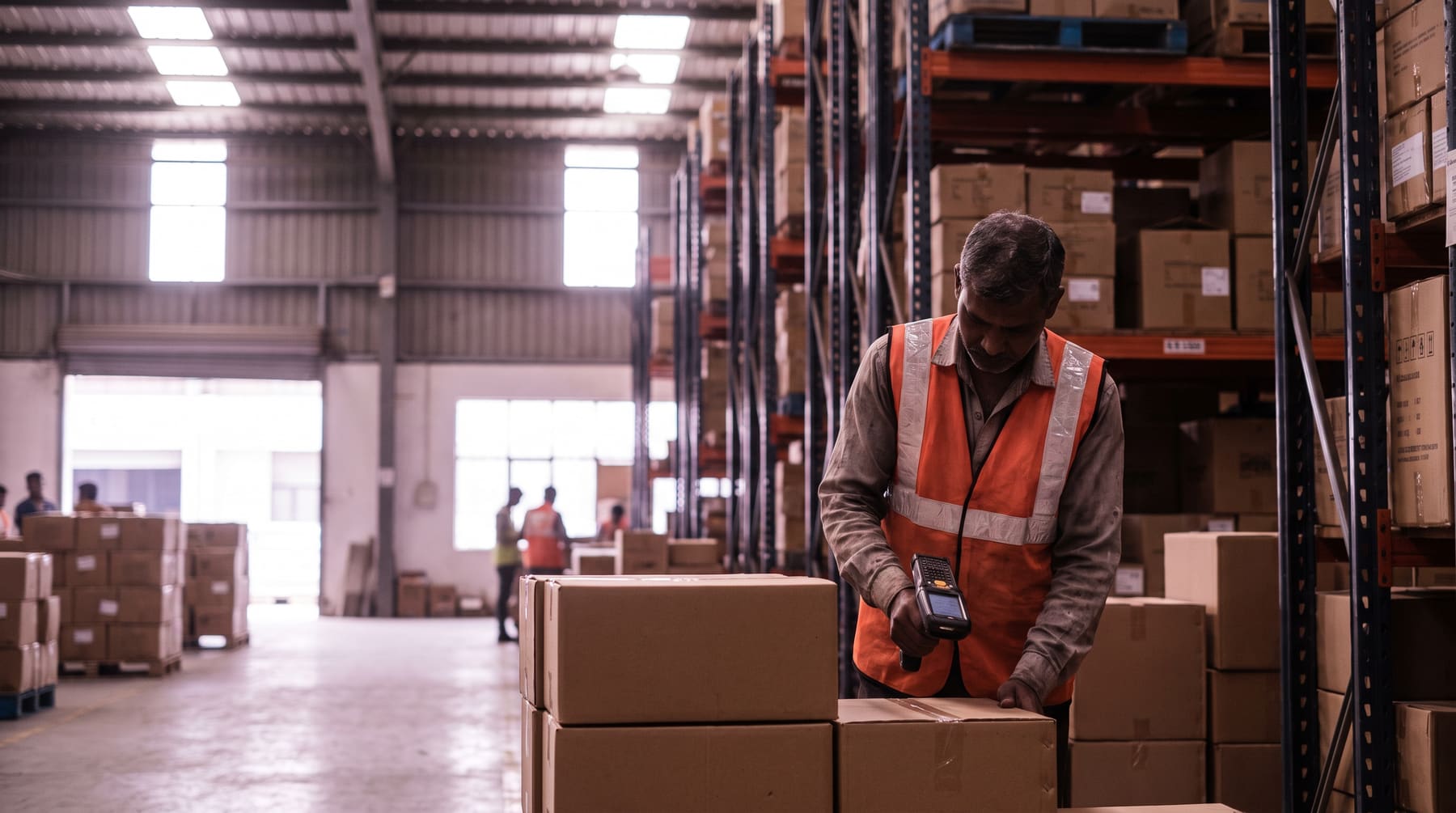
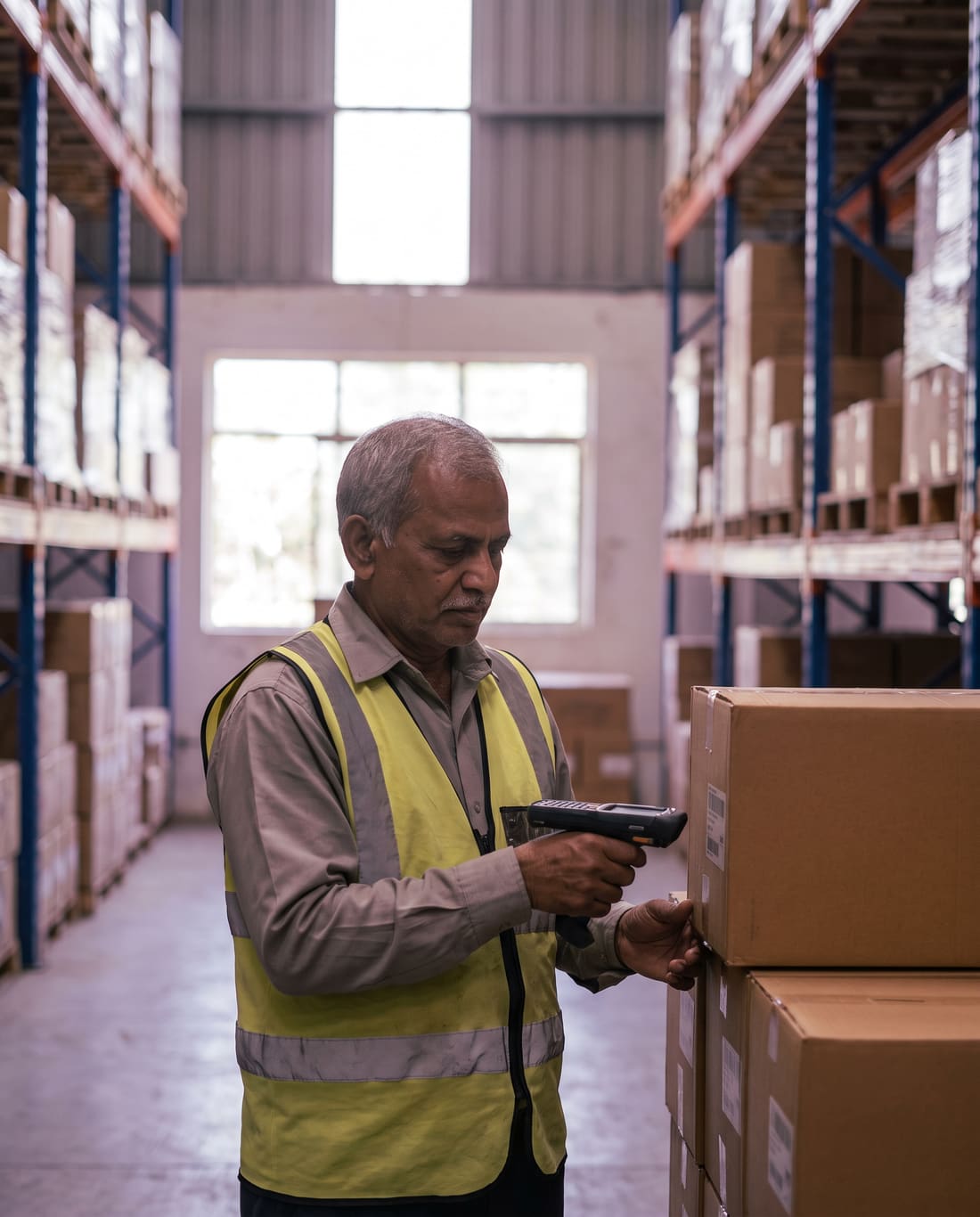
- Scan to bill and count: The same codes work for scanning at billing and during stock-take.
What changes
What changes on day one.
What teams notice in the first weeks of Barcode Printing on Sleet ERP.
- Every item gets a scannable code without retyping SKUs into a label tool.
- Labels carry the current price and details from your item master.
- Goods received can be labelled straight from the purchase entry.
- Billing at the counter is faster because items scan instead of being searched.
- Stock counts are quicker and more accurate with scannable labels.
- Works with standard label sheets and common barcode printers.
Good to know
Plans, your data and moving across.
Plans and pricing
Priced per user per year, billed yearly, with no setup fee.
Compare plansYour data stays yours
Data is encrypted in transit and at rest on secure cloud infrastructure. You keep ownership. Admins can export or delete company data.
Moving from Tally?
Customers, items and ledgers come across from Tally export files. Onboarding and data migration are part of the Custom plan.
Book a migration call
Questions
Barcode Printing, answered.
Something else? Message us on WhatsApp at +91 82001 72869 or write to sales@getsleet.cloud.
Do I need special hardware to print barcodes?
No. You can print to a standard printer on label sheets, or use a roll-based barcode printer if you print in volume.
Can I print labels with price and expiry date?
Yes. Choose the fields shown on the label, such as name, price, MRP, batch number, and expiry date.
Can I print labels when goods arrive?
Yes. Print labels for the received quantity directly from the purchase entry or goods receipt.
Can I scan the printed codes in the app?
Yes. The mobile app camera or a Bluetooth scanner can scan the codes for billing and stock-take.
Is there a free barcode generator?
Yes. Our free barcode generator and scanner tools work without signing up.
Sleet ERP
More in ERP
Barcode Printing is one part of Sleet ERP. Open any module to see what it does.
See Barcode Printing on your own data.
A free demo over Google Meet, with your questions answered on the call.